Find tools › Claude Code mods › Better-looking replies

explain-as
Claude Code mod · by Sumit Paul
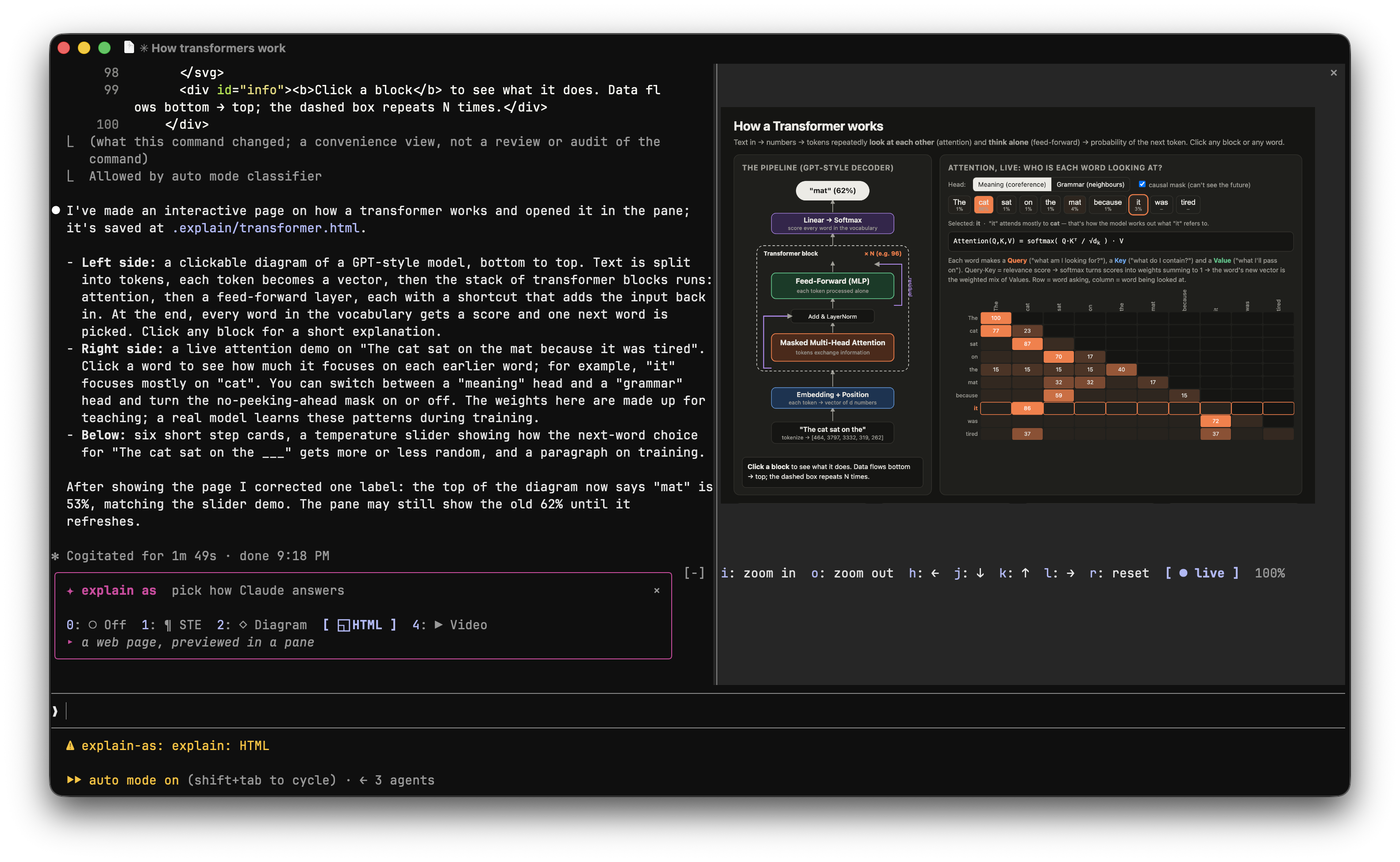
/explain turns answers into plain ASD-STE100 prose, a Mermaid diagram or an HTML page shown as a zoomable picture in a pane (screenshot by a local headless Chrome), or a narrated canvas explainer video that plays in Chrome.
Some setup
What it costs
Free and open source.
Use it to
- Adds a side pane, a band above the prompt
How to start
Inside Claude Code, add the author's marketplace:
/plugin marketplace add Sumit189/explain-claude-modInstall the mod:
/plugin install explain-as@explain-asRun
/reload-plugins(or restart Claude Code) to load it.
Before you install
- Access: Writes or runsCan change files or start programs on your computer, with your permissions.
- Check gave warningsFrom claude plugin validate, which reads the code without running it.
- On the community's well-known listPicked for the awesome-claude-code-mods catalogue; we did not test it ourselves.
- Last updated 2026-10-30
Similar tools
Descriptions are written in plain English from each project's own documentation and refreshed by our agent. Spotted a mistake? · Open in Find tools · © 2026 Which AI Map